Try Transpareo yourself
This demo is a real Transpareo account, not a video and not an appointment: you open it and work in it, from the public brand site through to the application manager. It resets every hour, so there is nothing in it you can break.
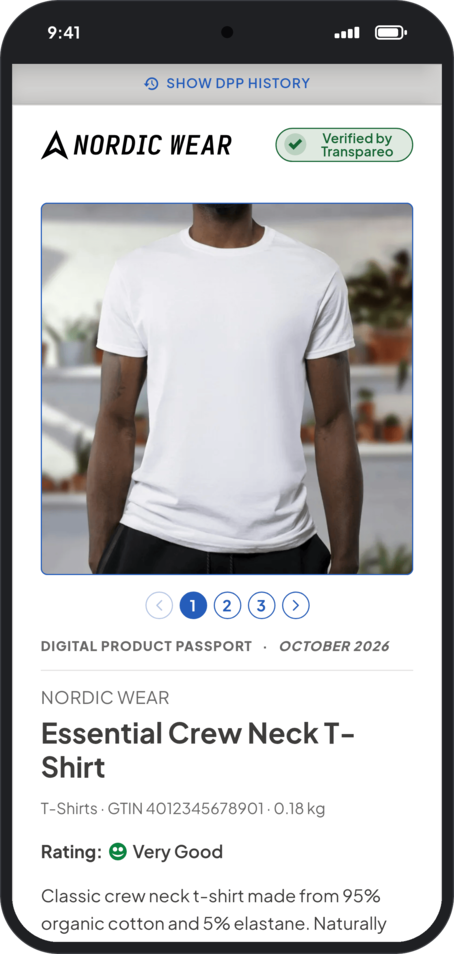
Scan a passport with your phone
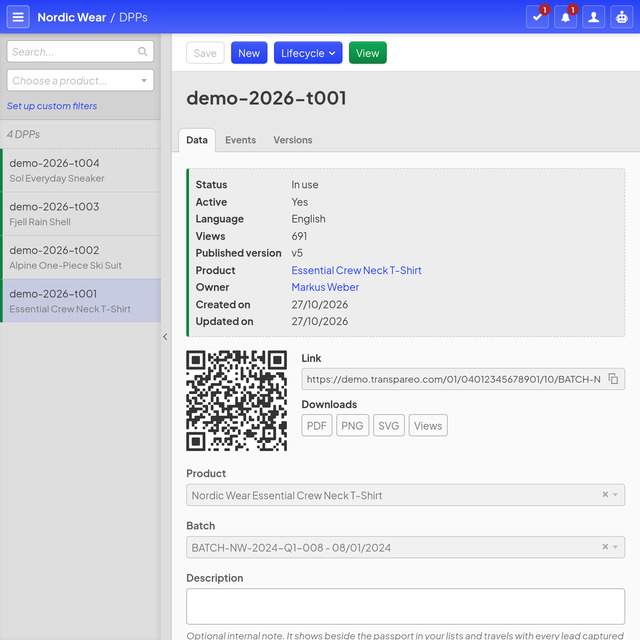
Point your phone’s camera at the code. It opens the Digital Product Passport of the Essential Crew Neck T-Shirt as customers see it in a shop: the product, its materials and care, the history of its lot and the signature check.
https://demo.transpareo.com/01/04012345678901/10/BATCH-NW-2024-Q1-008
What awaits you in our demo
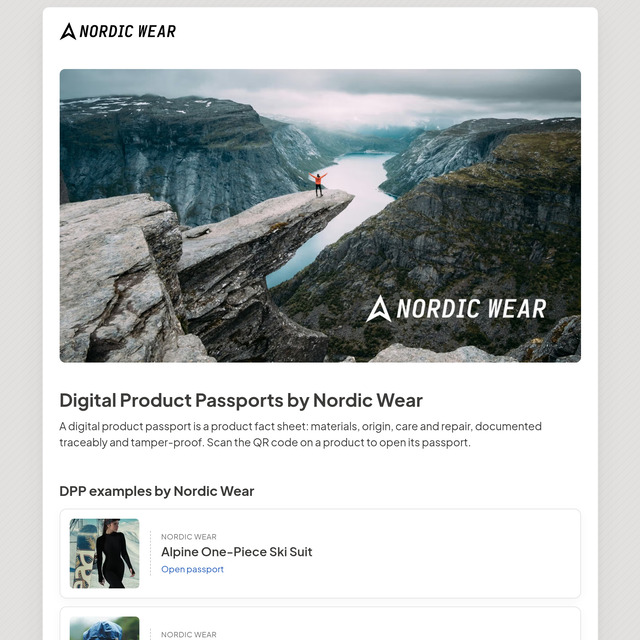
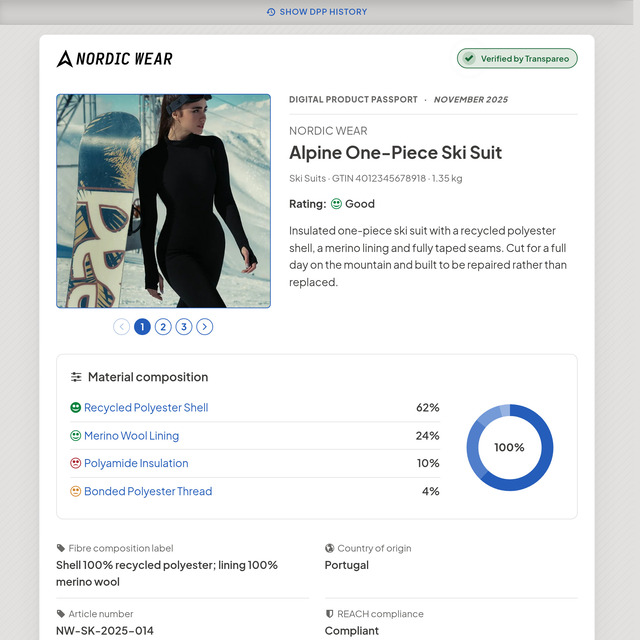
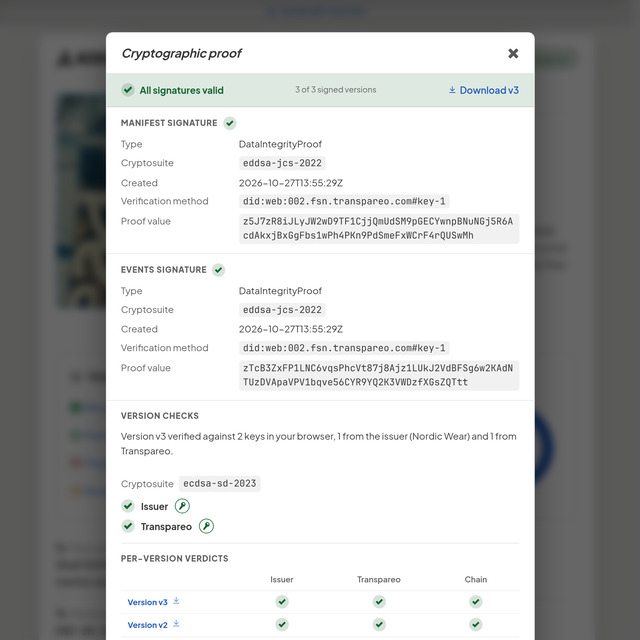
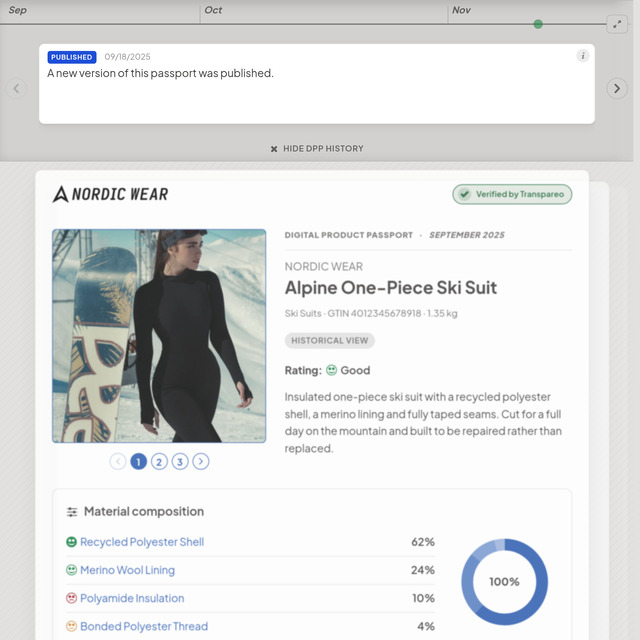
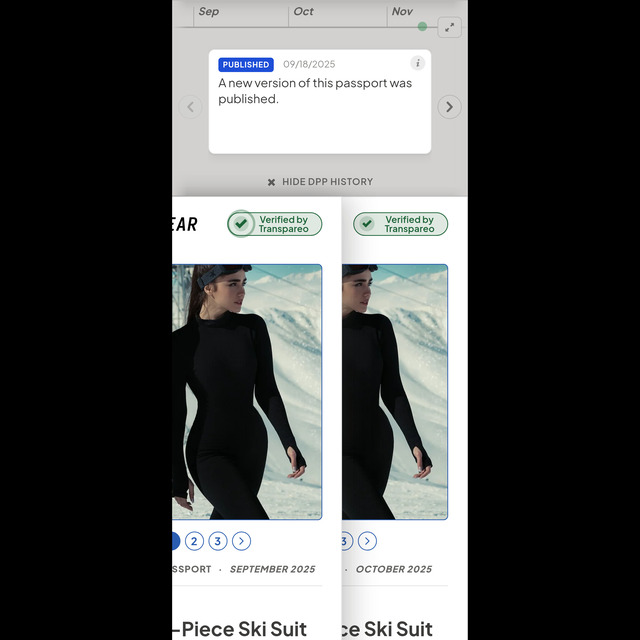
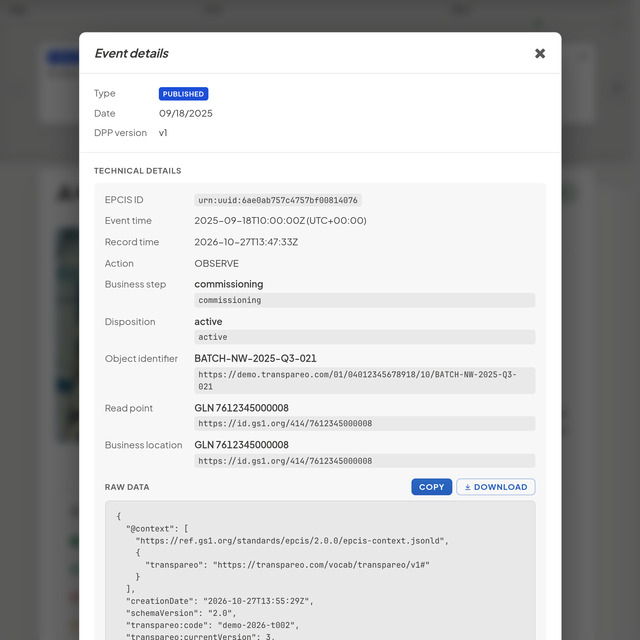
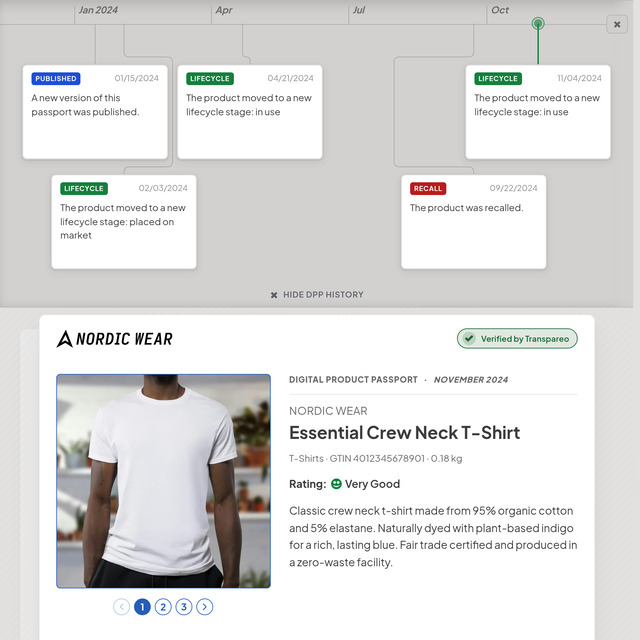
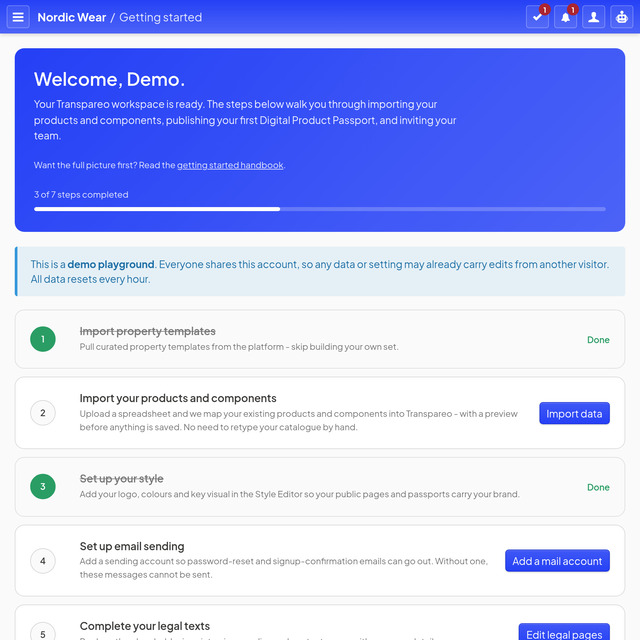
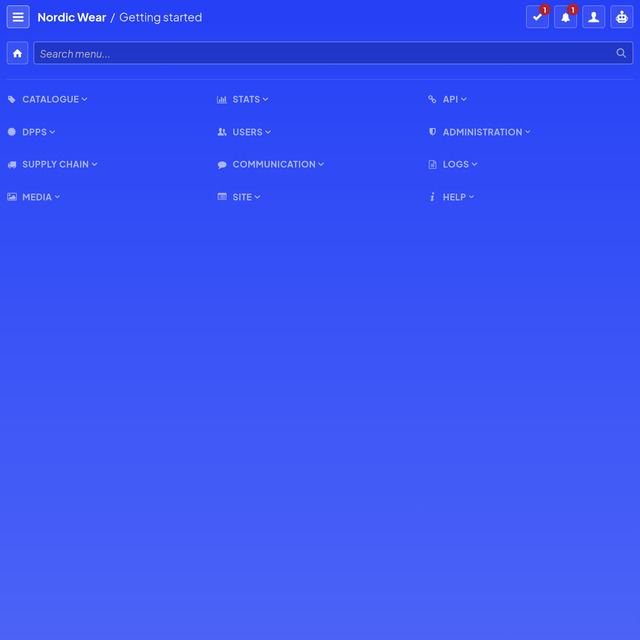
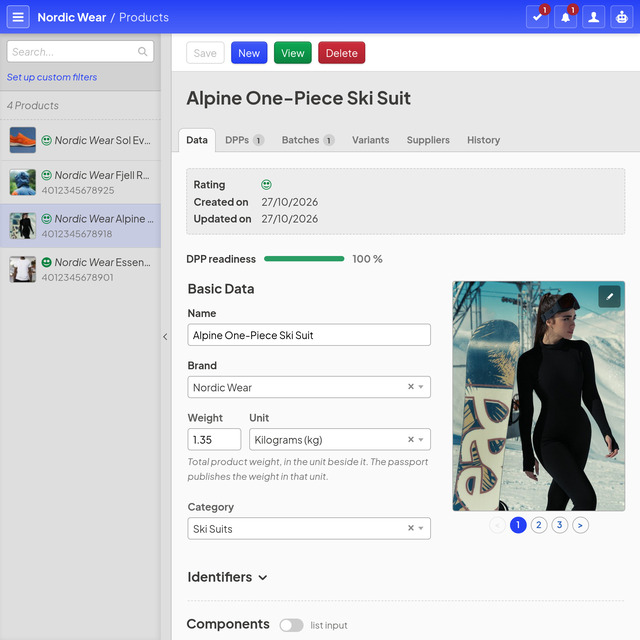
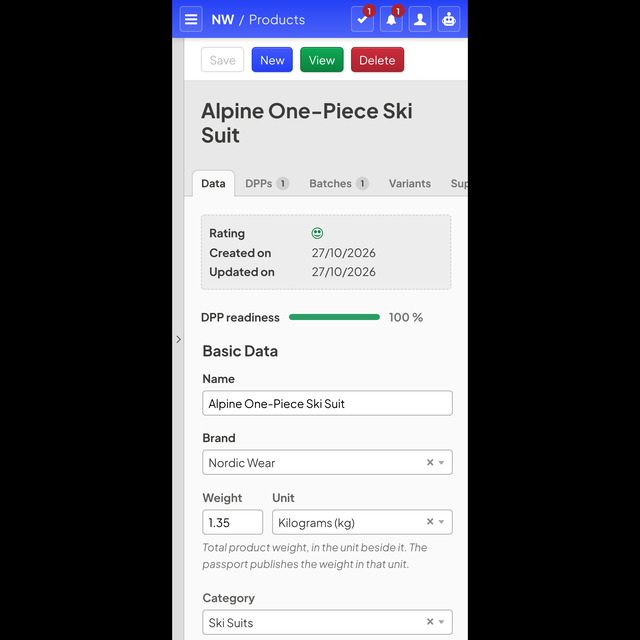
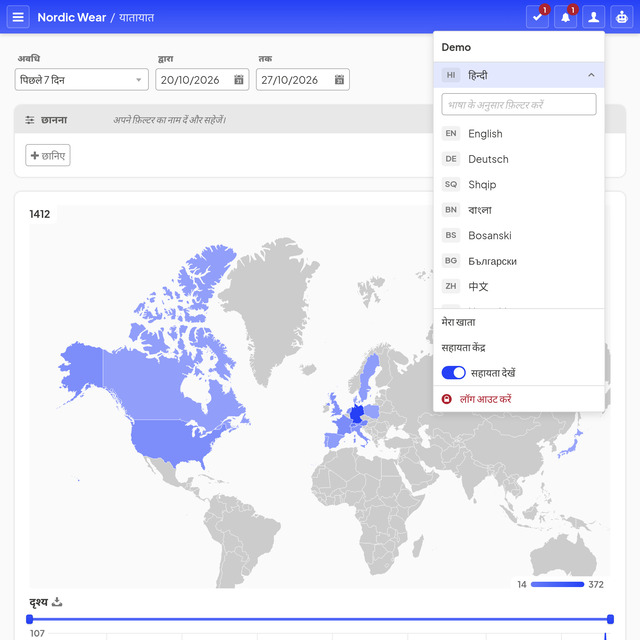
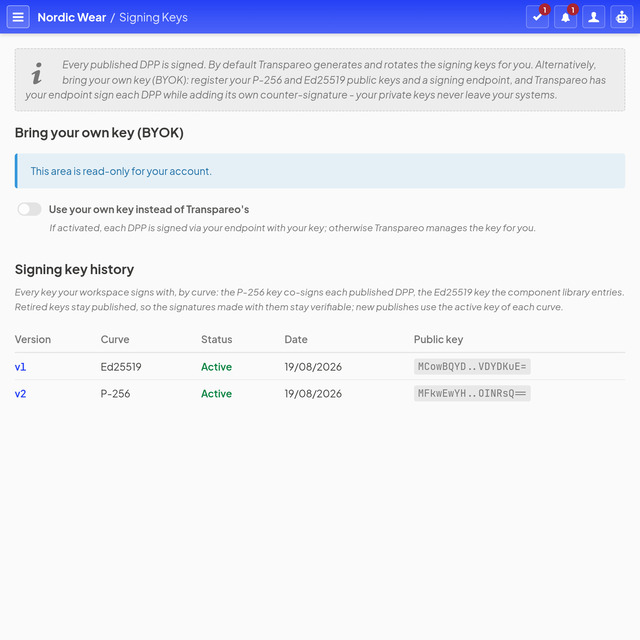
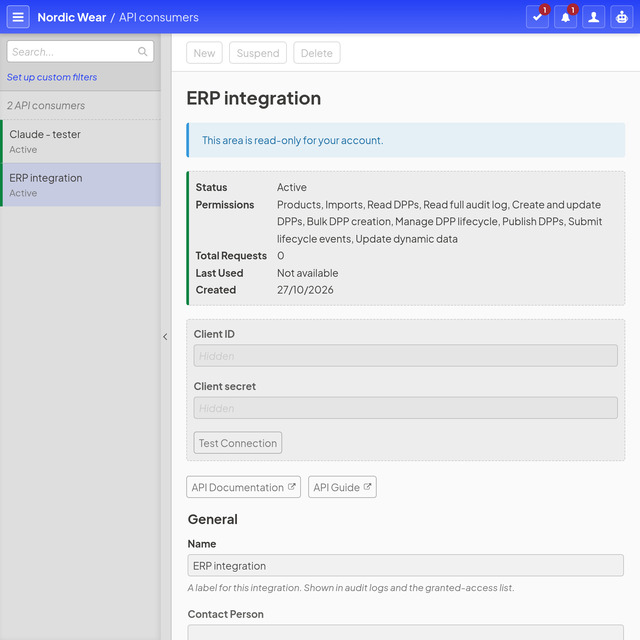
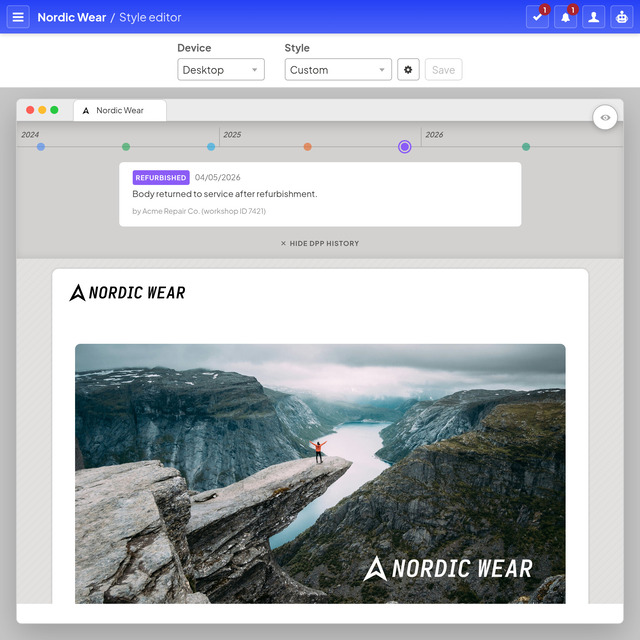
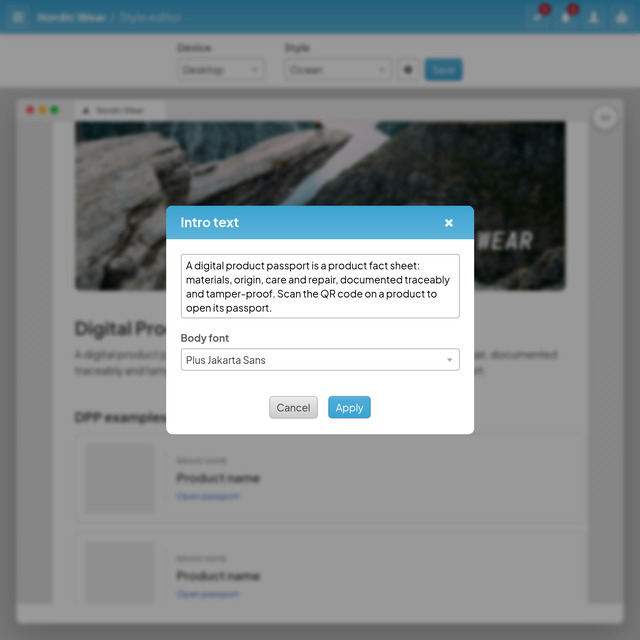
The brand site, and a look under the bonnet
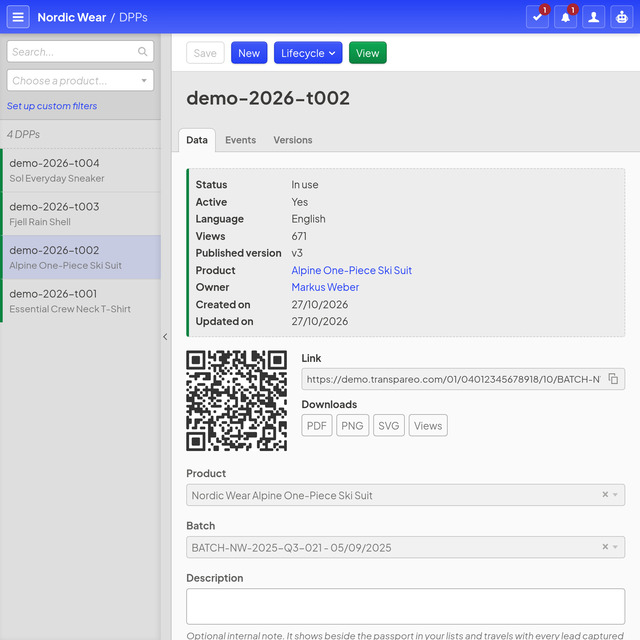
All three are the same account: at the front the public brand site, as customers find it after a scan, behind it the application manager where the data is made, and beside it the page where a supplier answers a request. All three are open to you.
What to explore
Sign in as the compliance officer, the sewing factory or through your own AI assistant, and see what each of them gets.
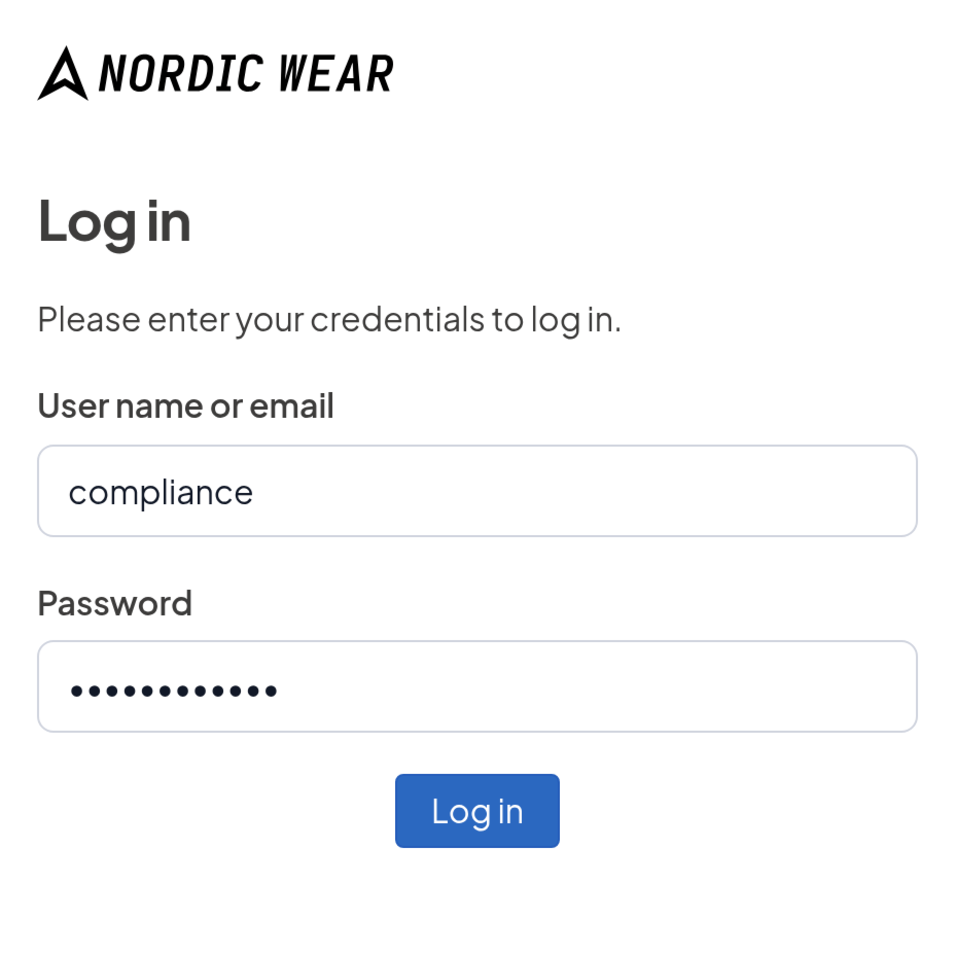
The compliance officer reads on the passport
The brand’s compliance officer signs in on the passport itself and reads every restricted document on it. Such reports are kept for the authorities by default; who else reads them is the brand’s decision.
- Open a passport. Open it in a private window, or scan the QR code above with your phone.
-
Sign in. At the end of the passport, tap Sign in for additional product data and sign in with
complianceandTester@12345. - Read. Back on the passport, every restricted document opens, the test report and the durability report among them, each as a PDF.
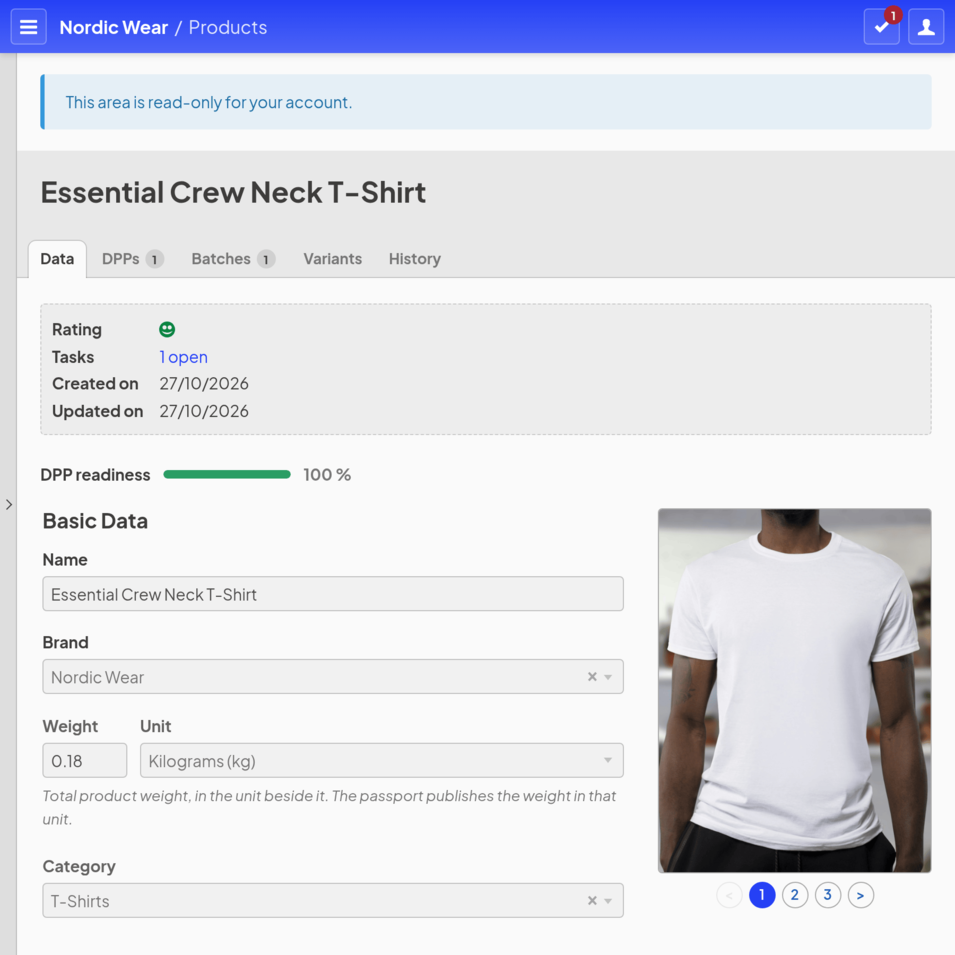
The factory sees its own product
Gazipur Stitchworks, the factory that sews the T-shirt, gets a login of its own to the application manager from the brand: it sees the T-shirt, its materials, its tasks and the T-shirt’s passports, and nothing else in the workspace. Of the restricted documents it reads the two the brand opened to it. The factory keeps its part in view, and everything else stays with the brand.
-
Sign in. In a private window, open the demo’s sign-in page and sign in with
gazipurandTester@12345. - Look around. Products lists the T-shirt alone, Components its materials, and Tasks the brand’s request to the factory.
- Open a passport. In the same private window, the T-shirt passport shows the declaration of substances of concern and the test report; the durability report stays with the brand and its compliance officer.
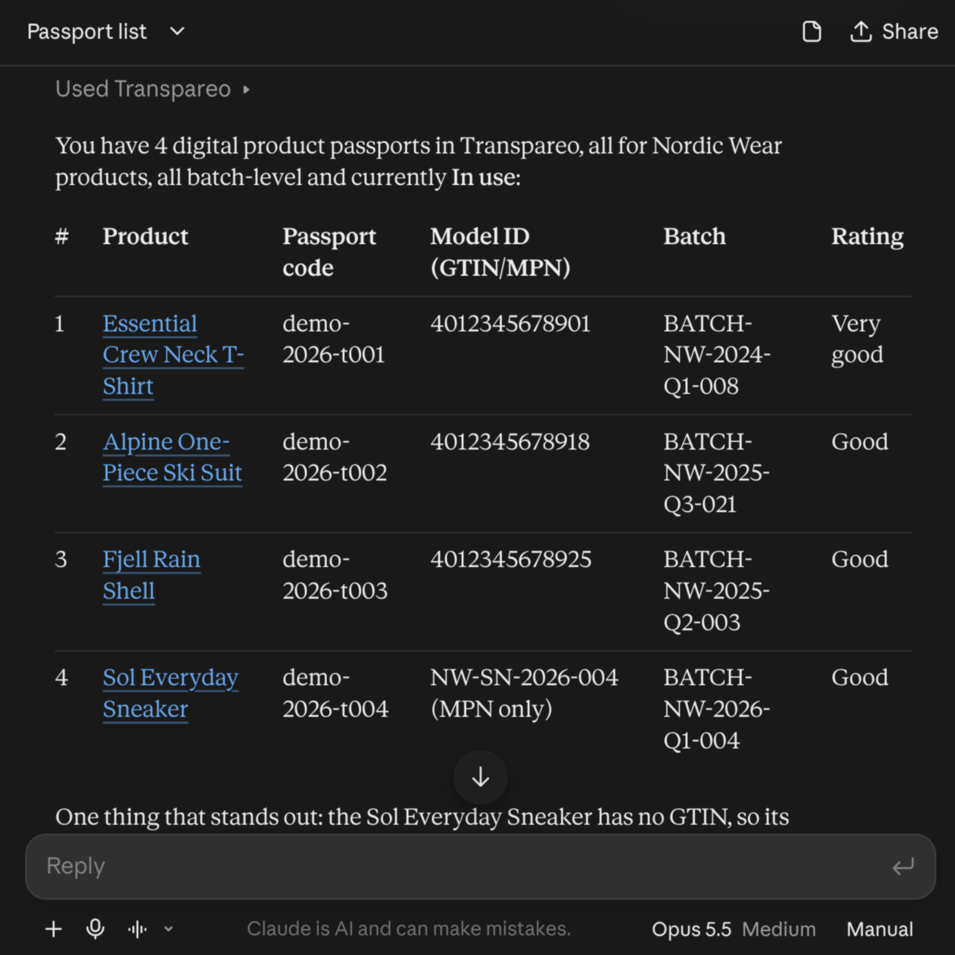
Connect your assistant
The demo answers the Model Context Protocol like any other workspace. If you have an account with Claude, ChatGPT, Grok or Gemini that is allowed to connect applications, this takes three steps.
-
Connect. At your AI provider, add
https://demo.transpareo.com/mcpas a new MCP server. The menu for it is called Connectors, Integrations or Apps, depending on the provider. -
Approve. Sign in with
testerandTester@12345. The screen that follows names every permission separately. - Ask. Back in the chat window, ask in plain language, something like “How many product passports do I have?”
Here too everything resets every hour. What this looks like in your own workspace is on Transpareo in the agentic age.
Ready for your own?
In your own account the data is yours. Try it free for eight days, no credit card.